
AI Assistant
Sharing Conversations
Share AI chat threads with team members so they can view questions, answers, and citations without re-running the queries.
Sharing Conversations
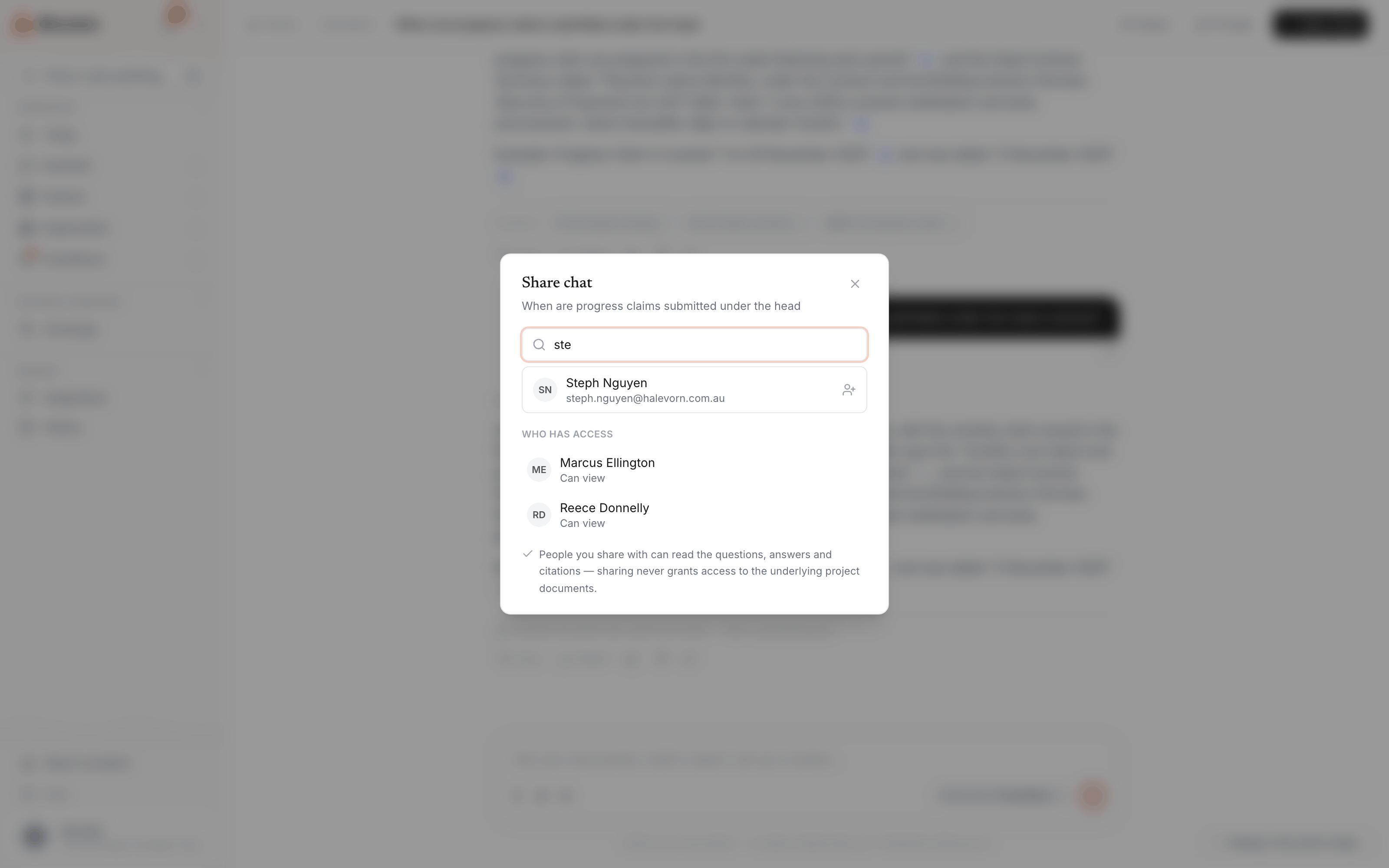
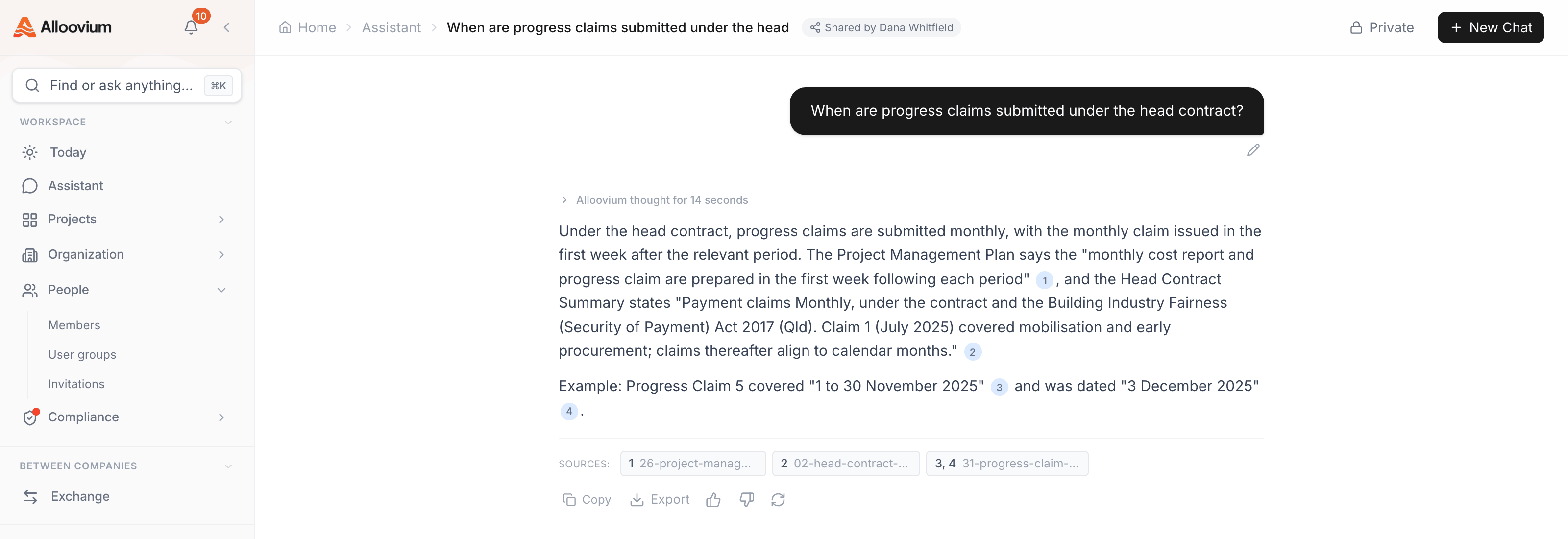
Chat threads in the AI Assistant can be shared with other members of your team. When you share a conversation, recipients can view the full exchange — questions, answers, and citations — without needing to re-run the queries themselves.
Pour partager une conversation, utilisez le bouton Partager en haut de la discussion, ou ouvrez le menu à trois points de la conversation dans la barre latérale et sélectionnez « Partager ». Ajoutez des collègues par leur nom ; toutes les personnes ayant accès sont listées dans la même boîte de dialogue, où l'accès peut aussi être retiré. Les destinataires retrouvent les conversations partagées dans l'Historique, avec l'indication de qui les a partagées.
Permissions
Sharing a conversation does not automatically share the underlying documents. Recipients who are not already members of the project will see the answers and citations, but may not be able to click through to view the source document.