
AI Assistant
Sharing Conversations
Share AI chat threads with team members so they can view questions, answers, and citations without re-running the queries.
Sharing Conversations
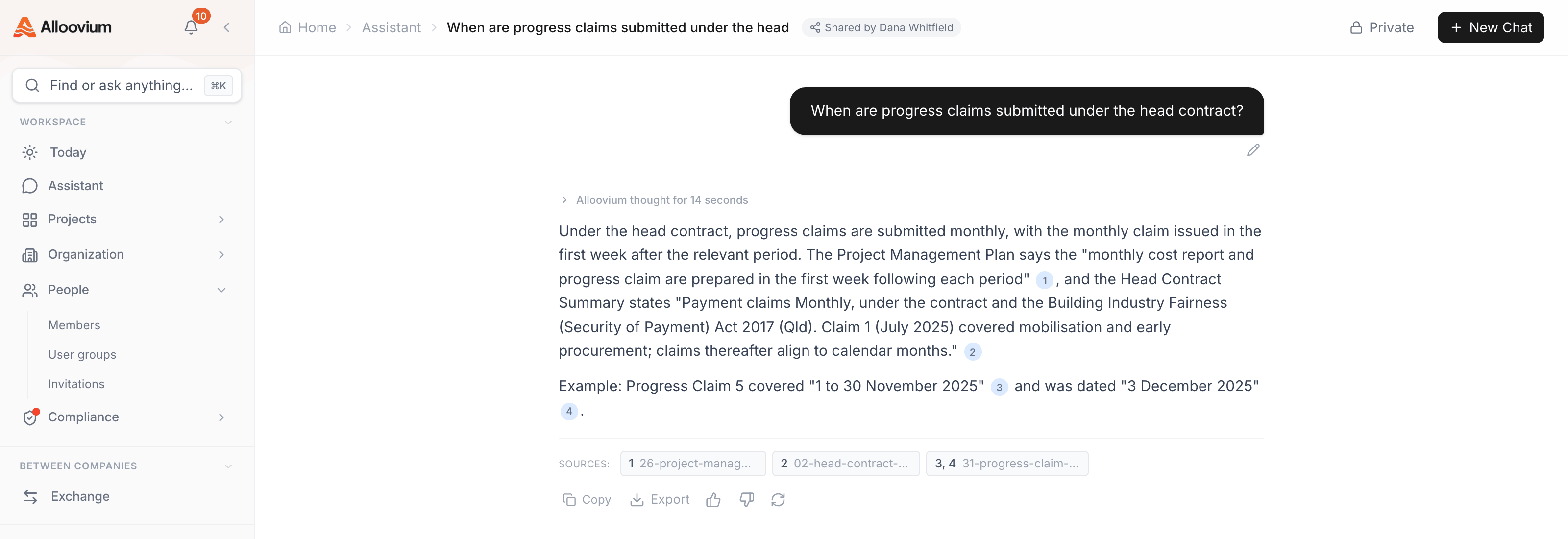
Chat threads in the AI Assistant can be shared with other members of your team. When you share a conversation, recipients can view the full exchange — questions, answers, and citations — without needing to re-run the queries themselves.
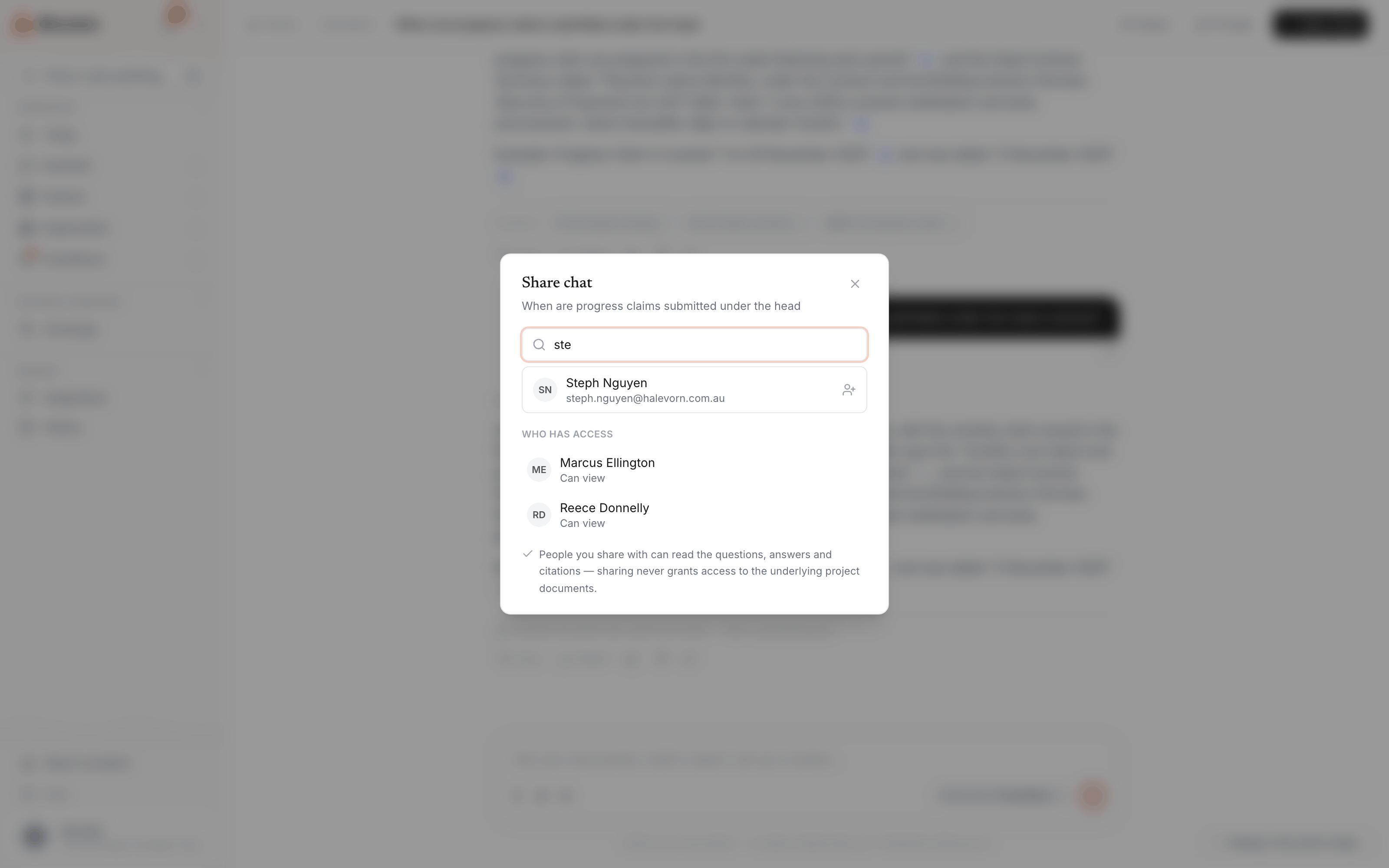
To share a conversation, use the Share button at the top of the chat, or open the conversation's three-dot menu in the sidebar and select "Share". Add teammates by name; everyone with access is listed in the same dialog, where access can also be removed. Recipients find shared conversations in History, marked with who shared them.
Permissions
Sharing a conversation does not automatically share the underlying documents. Recipients who are not already members of the project will see the answers and citations, but may not be able to click through to view the source document.