
Using Alloovium with Procore: what the integration actually does
No rip and replace, no marketing gloss. Exactly what the Alloovium Procore integration syncs, how fresh it stays, what writes back, and what setup really involves.

An isometric diagram of a Procore-style project hub linked by two-way dotted connectors to an intelligence layer, documents, RFIs and submittals flowing one way, a reviewed draft document flowing back, with citation pins along the path.
Saves to public/blog/alloovium-procore-integration/hero.png · run npm run generate-images
Integration pages are where construction software marketing goes to lie, so this one is written the other way around: here is exactly what the Alloovium and Procore integration does today, how the plumbing works, and what it does not do. I built most of it, so the detail is first-hand.
What does the integration actually sync from Procore?
Four things: project documents, RFIs, submittals and change events. They flow from your Procore company into Alloovium through a service account app with least-privilege scopes, and directory access is read-only. Once ingested, they are indexed the same way as everything else Alloovium reads, so a Procore document is answerable and citable within your project corpus.
That last part is the point. Procore holds the controlled record, but a project's truth is spread across Procore, SharePoint, Outlook and what was said in meetings. When the four Procore streams land in the same corpus as your emails and meeting records, a question like "what did we commit to on the slab thickening, and did anyone raise it as a change event?" has one place to be asked, and the answer cites the Procore submittal, the email thread and the meeting note together, with each citation opening the exact location it came from.
How fresh does the data stay?
Near real-time, with a belt-and-braces design. The integration receives Procore webhooks when something changes, and independently runs a reconciliation poll every 15 minutes that catches anything a webhook missed. So the practical worst case for a missed event is a quarter of an hour, not a nightly batch.
The reason for the double mechanism is boring and important: webhooks fail silently in every system that has them. If your answers are only as fresh as the last webhook that arrived, one dropped delivery means someone gets an answer built on a superseded document without knowing it. The reconciliation sweep exists so the failure mode is a short delay rather than a wrong answer. The same thinking is behind our post on building from superseded drawings, because staleness is the quiet way document tools hurt people.
Can Alloovium write back into Procore?
Yes, in two forms, and both sit behind a human review gate. Finished documents, say a drafted notice or a response letter, can be pushed straight into Procore's Documents tool. Structured records, such as a draft RFI, can be created through the API rather than arriving as a dead PDF.
The rule we hold ourselves to: nothing generated is ever auto-written into a customer's Procore. A draft is produced, a person reviews and approves it, then it is pushed. Your Procore is production infrastructure for a live project, and an AI writing into it without a human in the loop is a risk we decided not to ship. If a vendor tells you their agent writes into your system of record autonomously, ask them who signs the RFI.
How does setup work, honestly?
There is no one-click Marketplace install yet, and we would rather say so than let you find out on a call. Today the integration connects as a private custom app, a standard Procore-supported path, and we run onboarding white-glove. Two options:
- Install our app: your Procore company admin goes to App Management, chooses Install Custom App, pastes our app version key, picks the projects, and grants the permissions. Procore's own documentation puts this at a few minutes, and that matches our experience. Procore then creates the service account automatically, no passwords change hands.
- Bring your own app: for teams whose IT prefers first-party control, you create the app in your own Procore developer account and we configure it as collaborators you can revoke at any time. The steps are published in our Procore integration guide.
There is also a third path for the cautious: if you already mirror Procore documents into SharePoint (tools like SyncEzy do this and are Procore-approved), Alloovium can ingest from that SharePoint, so nothing touches Procore's API at all. You lose the structured RFI and submittal records, they arrive as PDFs, but it is a zero-risk way to start.
We typically do the whole thing on a 20-minute screen share where your admin keeps the keyboard. We never ask for a personal Procore login.
What does the integration not do?
It does not replace Procore, it does not sync financials or schedule, and it does not act autonomously inside your Procore. Alloovium is not a project management tool, and the integration deliberately reads the four streams that carry document intelligence value rather than mirroring every module.
Worth naming the elephant: Procore has its own AI, and after acquiring Datagrid in January 2026 it is embedding agents natively. If everything you need lives inside Procore, that will serve you well. Alloovium earns its place when the answer crosses systems, contract in SharePoint, argument in email, commitment in a meeting, record in Procore, and when you want the evidence layer to be contractor-owned and portable rather than resident in any one vendor's platform. The two coexist fine; see our buyer's guide to document management software for how we think about that split.
What to do next
If you run Procore and are curious what your project record can answer, book a demo and we will connect a real project on the call, your admin driving. Ask the cross-system question your team argued about last week, and click the citations. If you want the zero-API-risk version first, say so and we will start from the SharePoint path.
Reference
Frequently asked questions
Written by
Builds the retrieval, extraction and verification engine behind Alloovium. Writes about how the system reads construction documents and catches what humans miss.
See it on your set
Run Alloovium across your own contracts, specs and drawings.
Upload a project and watch it read, cross-reference and cite across the whole document set, and flag what conflicts.
Book a demoDiscussion
Comments
More dispatches
Keep reading
Can you use ChatGPT for construction documents? What works and what fails
ChatGPT is genuinely useful on construction documents, until the moment it matters. A straight engineering read on what works, what fails, and when a purpose-built tool earns its keep.
CieloJuly 14, 2026 · 4 min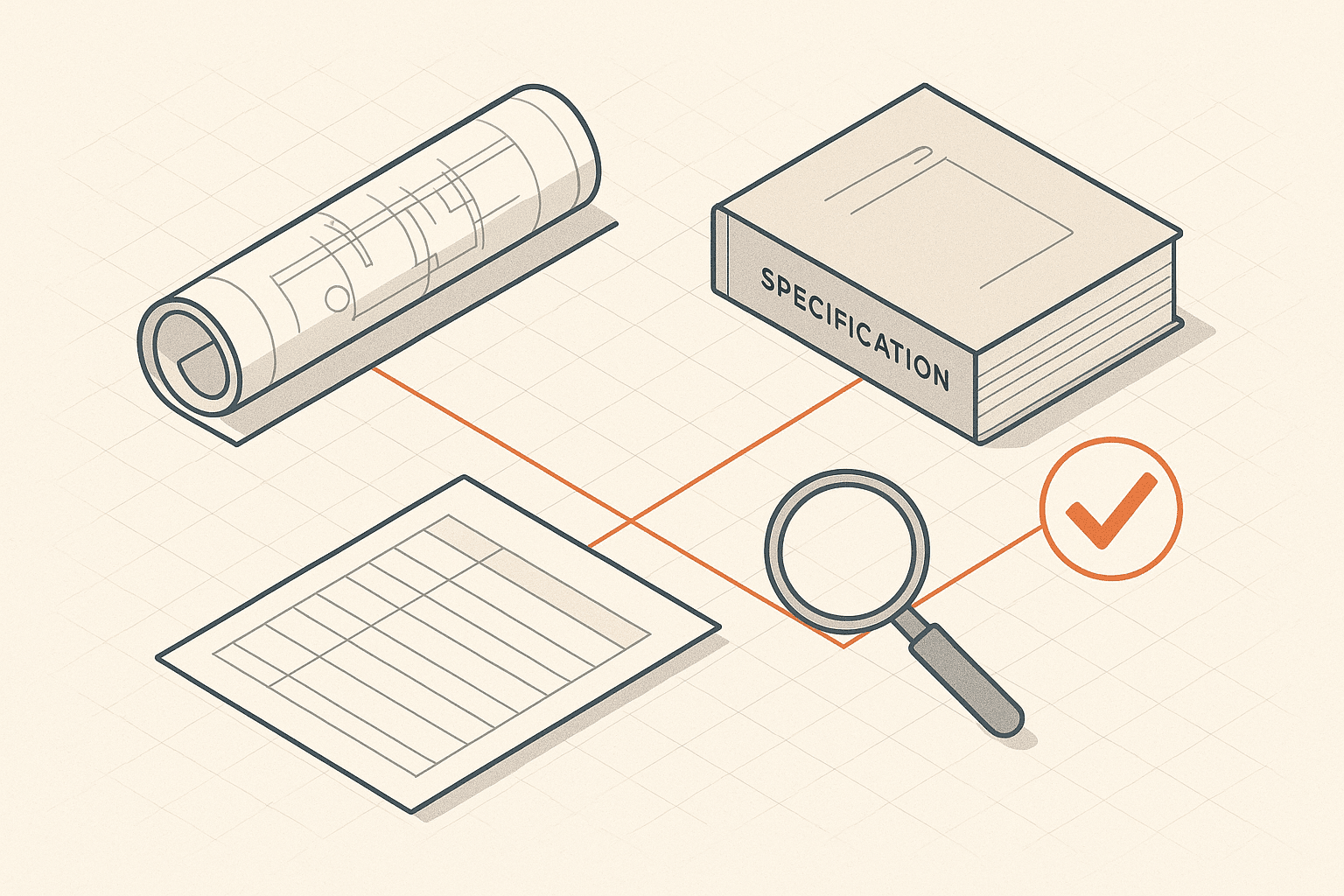
What can AI actually check across construction documents in 2026?
The gap between a slick AI demo and a real project set is where teams get burned. Here is what the technology does well, where it fails, and what to demand before you trust it.
CieloJune 13, 2026 · 3 min