
How do you catch conflicts between specs and drawings?
Conflicts between the spec and the drawings are one of the most expensive sources of rework on site. Here is where they hide, why people miss them, and how to find them before they cost you.

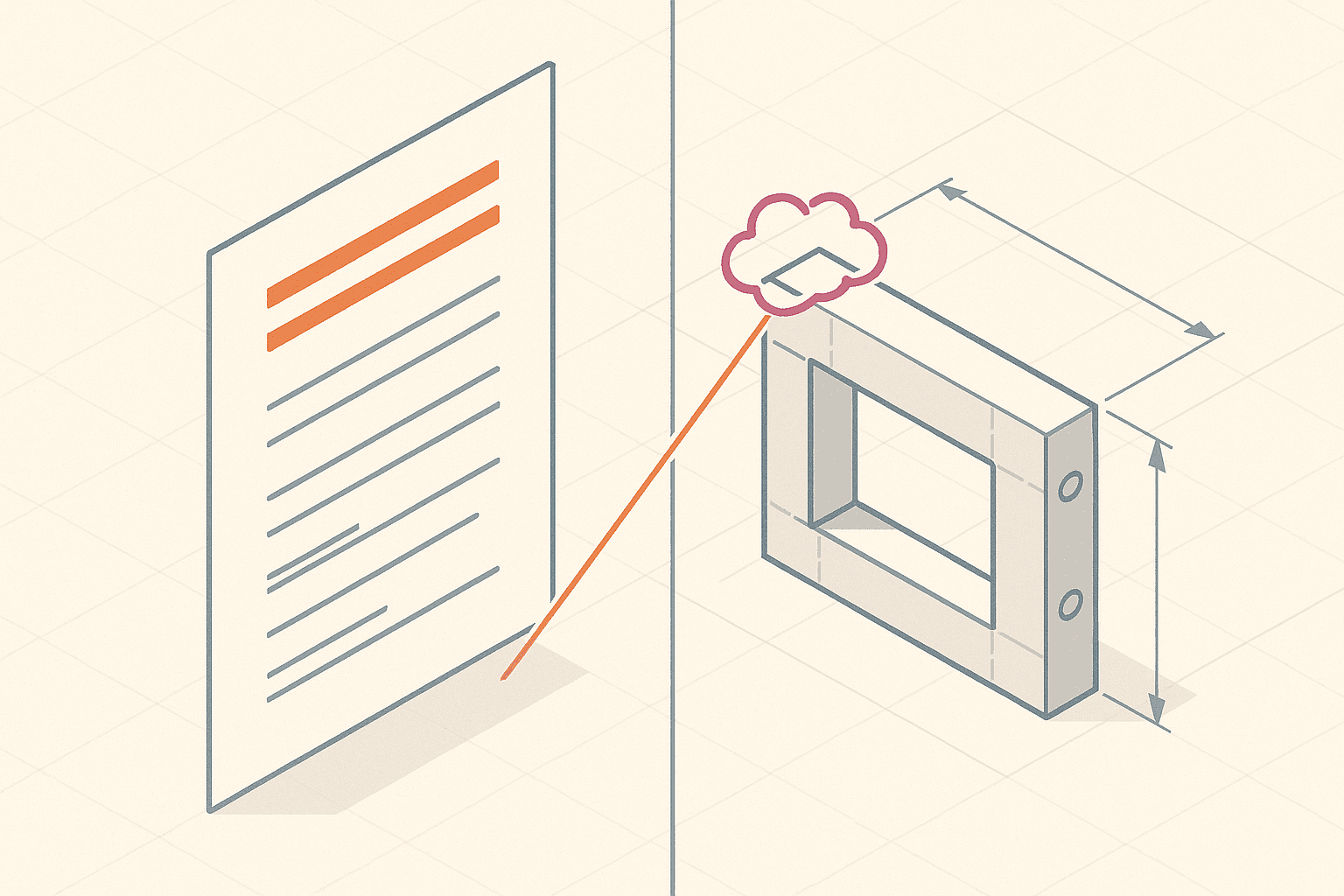
Ask any project manager where the painful rework comes from and "the spec said one thing, the drawing said another" is near the top of the list. It almost never shows up in the tender. It shows up after the slab is poured, the frame is up, or the order has gone in, which is the most expensive possible moment to change your mind.
The annoying part is that the conflict was usually sitting in the documents the whole time. Nobody hid it. It just lived in two places that no single person ever read side by side.
Why do specs and drawings drift apart in the first place?
They are produced by different people, in different tools, on different timelines. The architect updates a detail and the spec writer never hears about it. A late addendum swaps a product and the drawing schedule keeps the old one. Each document is internally consistent and individually signed off. The conflict only exists in the relationship between them, and no single document owns that relationship.
That is why these slip through. You can review the spec carefully, review the drawings carefully, and still never compare the two against each other on the one element that matters.
Where do these conflicts usually hide?
After reading a lot of document sets, the same hotspots keep coming up:
- Product and material schedules, where the drawing names one product and the spec names another, or an "or equal" that the drawing never reflects.
- Dimensions and tolerances, where a clear dimension on a plan contradicts a written tolerance in the spec.
- Finishes and performance. Fire ratings, acoustic ratings and waterproofing get described in the spec but drawn inconsistently, or not drawn at all.
- Revisions and addenda. This is the dangerous one. A change lands in one document and not the other, so the latest versions of both now disagree.
Why does manual cross-referencing miss them?
Because the two documents are not shaped the same way. A spec is prose, organised by trade section. A drawing set is visual, organised by sheet and detail. To compare them on the curtain wall glazing, you have to hold the spec's words in your head while you hunt through the drawings, and you have to do that for every element across hundreds of pages. Nobody has the time, so people spot-check. Spot-checks miss the conflict that was never on the list.
How do you actually catch them, then?
Stop reading the documents as documents and start comparing the claims inside them. For each element, pull out what the spec asserts and what the drawings assert, put both in the same vocabulary, and flag where they disagree.
That is the check Alloovium runs. It reads the whole set, pulls out the claims each document makes about each element, and surfaces the contradictions with a citation back to both sources, the spec line and the drawing sheet, so a person can settle it in seconds instead of hunting for hours. The value is not "AI read your PDF." It is that the comparison happens across every element at once, including the ones nobody thought to spot-check.
What to do next
Whatever tooling you use, build the habit. Before a package goes out or an order is placed, do a deliberate spec-versus-drawing pass on the high-risk elements above, and raise an RFI the moment something disagrees. On paper the conflict is cheap to resolve. In concrete it is not.
If you want to see the automated version on your own documents, book a demo. Bring a set you suspect has conflicts and we will run it live.
Reference
Frequently asked questions
Written by
Builds the retrieval, extraction and verification engine behind Alloovium. Writes about how the system reads construction documents and catches what humans miss.
See it on your set
Run Alloovium across your own contracts, specs and drawings.
Upload a project and watch it read, cross-reference and cite across the whole document set, and flag what conflicts.
Book a demoDiscussion
Comments
More dispatches
Keep reading
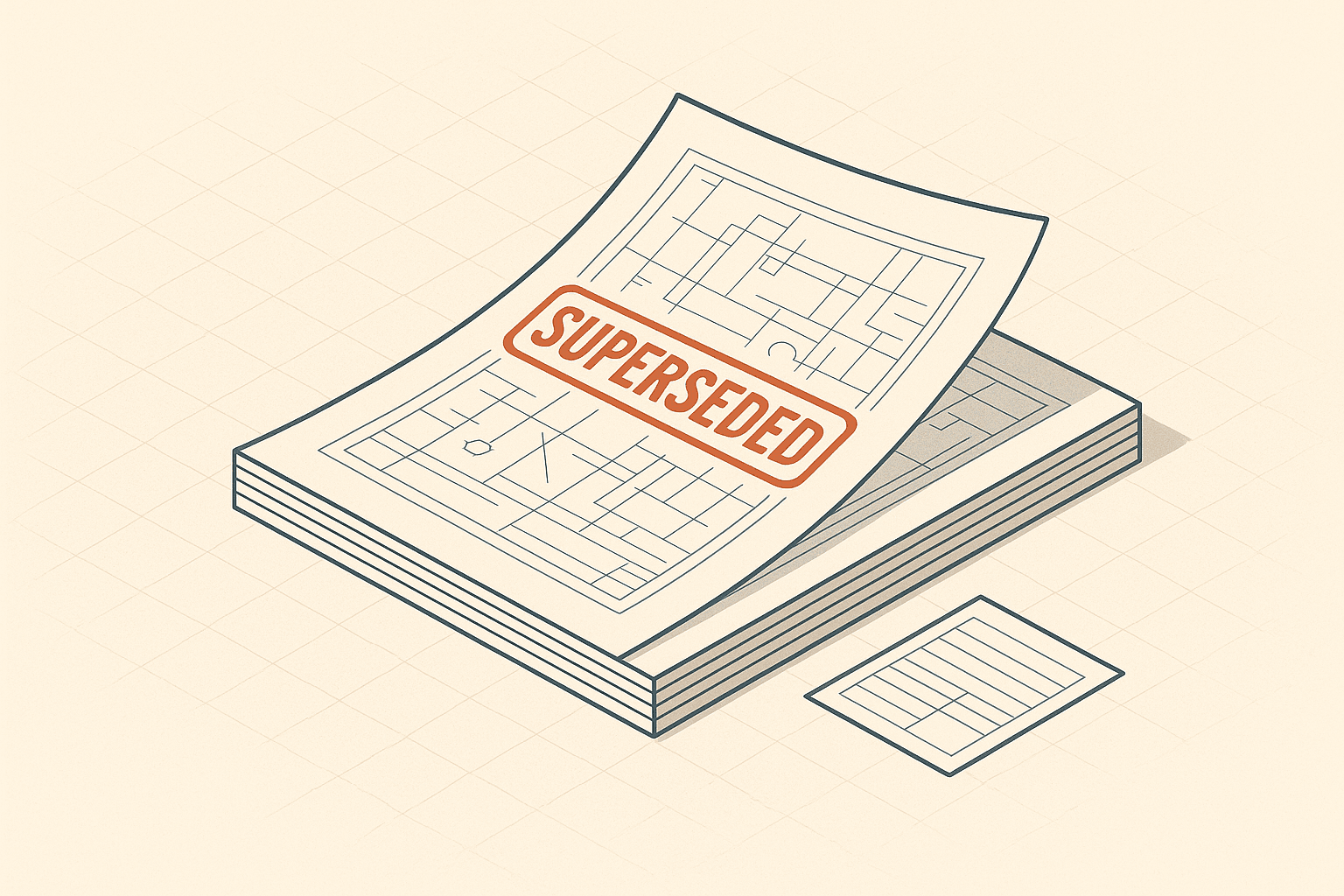
How do you stop your crew from building off a superseded drawing?
Building from an out-of-date drawing is one of the most expensive mistakes on site, and one of the most preventable. Here is the revision-control discipline that keeps everyone on the current set.
 ZanderJune 15, 2026 · 3 min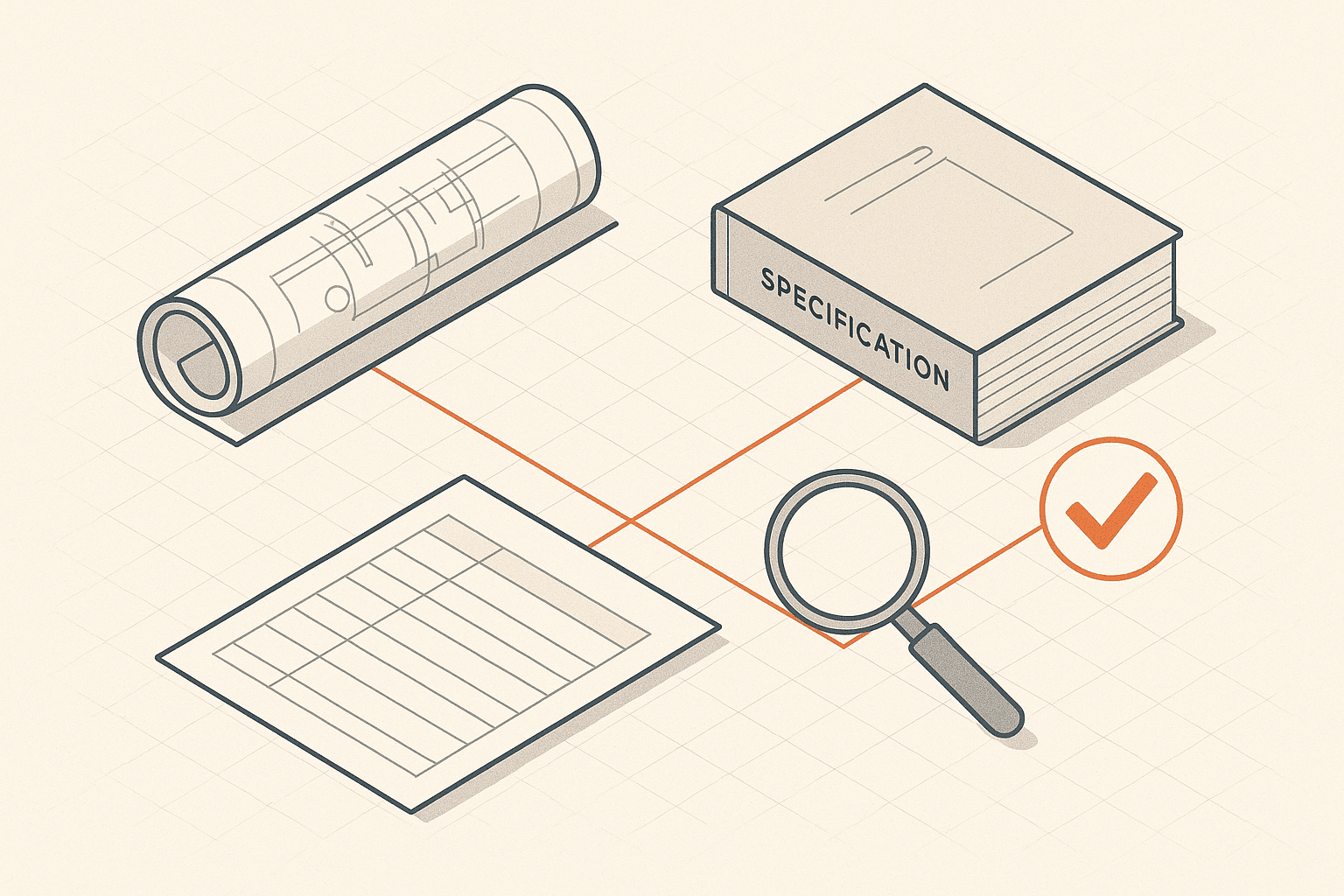
What can AI actually check across construction documents in 2026?
The gap between a slick AI demo and a real project set is where teams get burned. Here is what the technology does well, where it fails, and what to demand before you trust it.
CieloJune 13, 2026 · 3 min